Digital room thermostat for SPC fan convectors
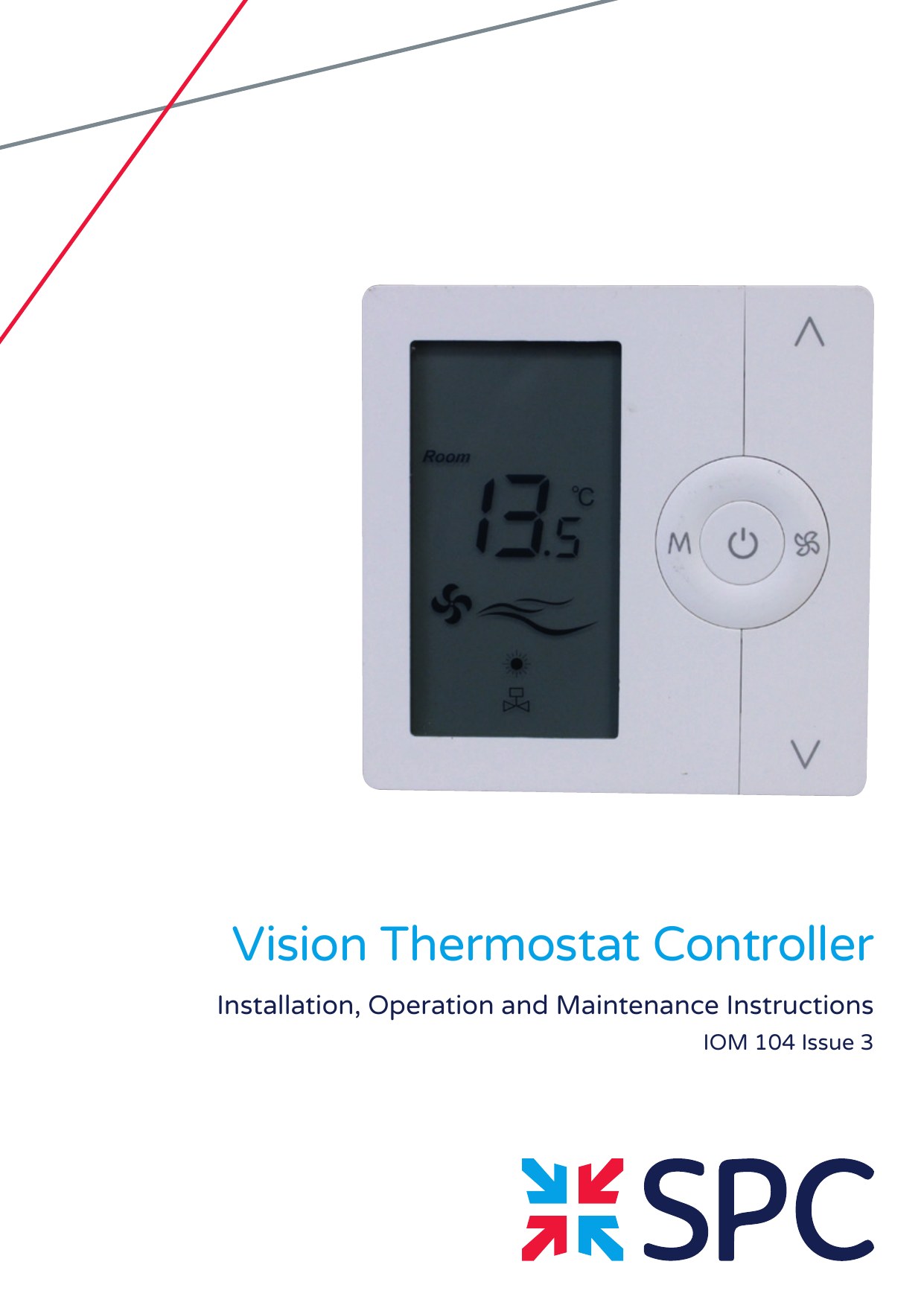
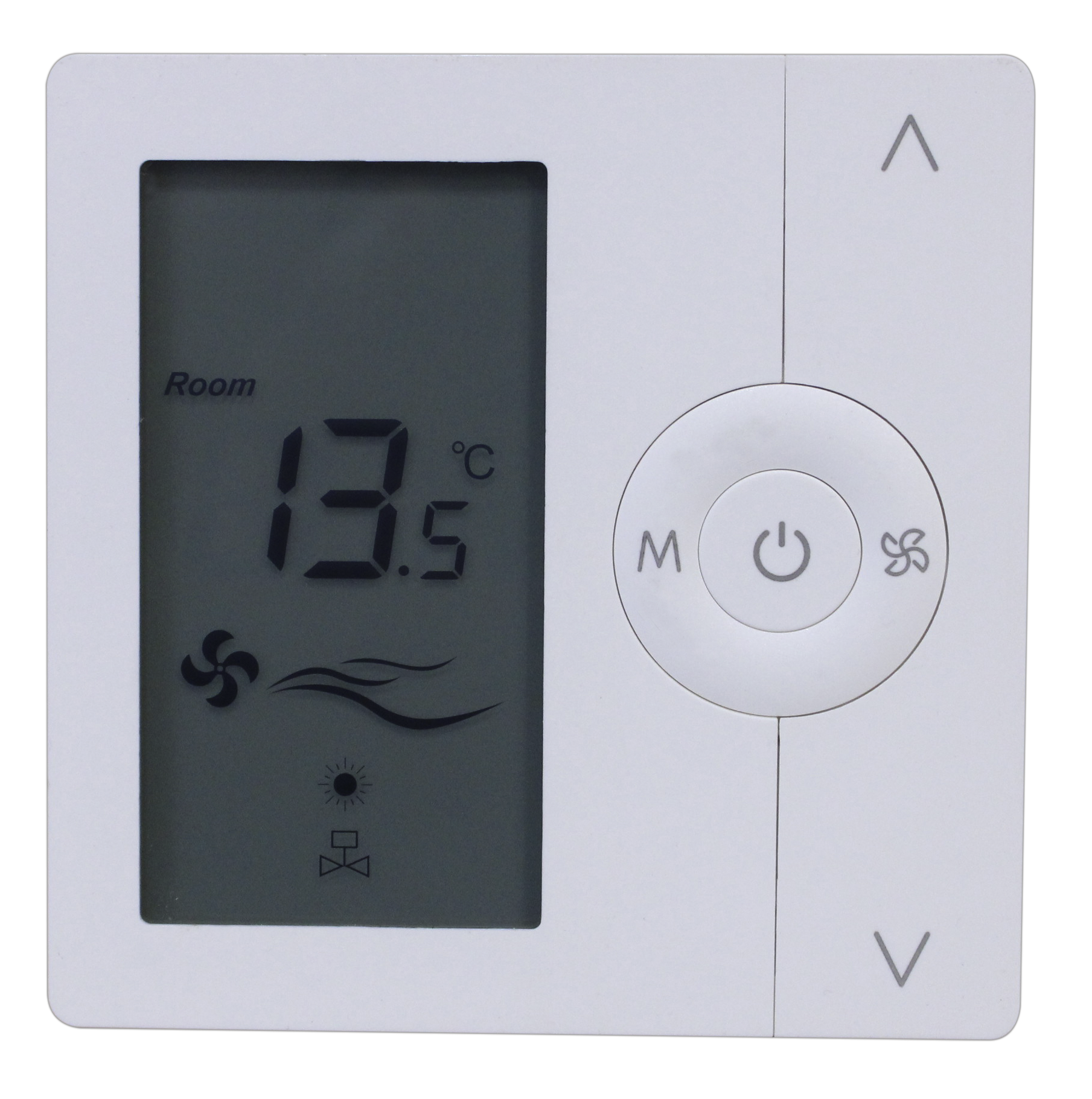
The SPC Vision controller is a wall mounted digital room thermostat for fan convectors fitted with EC motors. Users set the room temperature with the up and down buttons on its LCD display and choose low, medium, high or AUTO fan speed, and Vision sends a preset 0 to 10V signal that sets how fast the fans run.
Supplied by S & P Coil Products Limited (SPC), Vision is a control option for Belgravia Classic, Belgravia Supreme and Belgravia Tilevector Fan Convectors in schools, offices, libraries and other commercial and public buildings. It can also switch a 230V on/off water valve, accept a remote enable/disable signal and control more than one fan convector in the same room.
Three fan speeds plus AUTO
Preset 0 to 10V signal to EC motors
LCD display
Shows the setpoint and room temperature
Valve control
Terminals for a 230V on/off water valve
One controller per room
Can control several fan convectors in one room
5 to 35°C
Setpoint range, chosen with the up and down buttons on the LCD display.
0 to 10V
Fan speed signal to the EC motors: low, medium and high (preset by SPC) or AUTO.
230V supply
230V/50Hz, which can be taken from the fan convector it controls.
86 x 86 mm
White, surface mounted on a back box, 45 mm deep, about 1.5 m above the floor.
What is the SPC Vision controller and how does it work?
The SPC Vision controller is mounted on the wall of the room, in a position that represents the room’s conditions, and hard-wired back to the fan convector it controls. It measures the room air temperature and works to hold the room at the setpoint chosen by the user, sending a 0 to 10V signal to the unit’s EC motors to set the fan speed. The power button in the centre switches the fan convector on or off.
The fan button selects low, medium or high speed, each matched to a voltage preset by SPC, and the LCD shows the speed as a wind icon. In AUTO, the Vision controller chooses the speed for you: low at about 2°C below setpoint, medium at about 4°C below and high when the room is further below setpoint. When the room reaches setpoint, Vision can also close a 230V on/off water valve so hot water stops flowing to the fan convector.
The M (mode) button switches between heating mode, shown by a sun icon, and cooling mode, shown by a snowflake; Vision is set to heating mode when used with fan convectors for heating. Changes take a few seconds to come into effect.
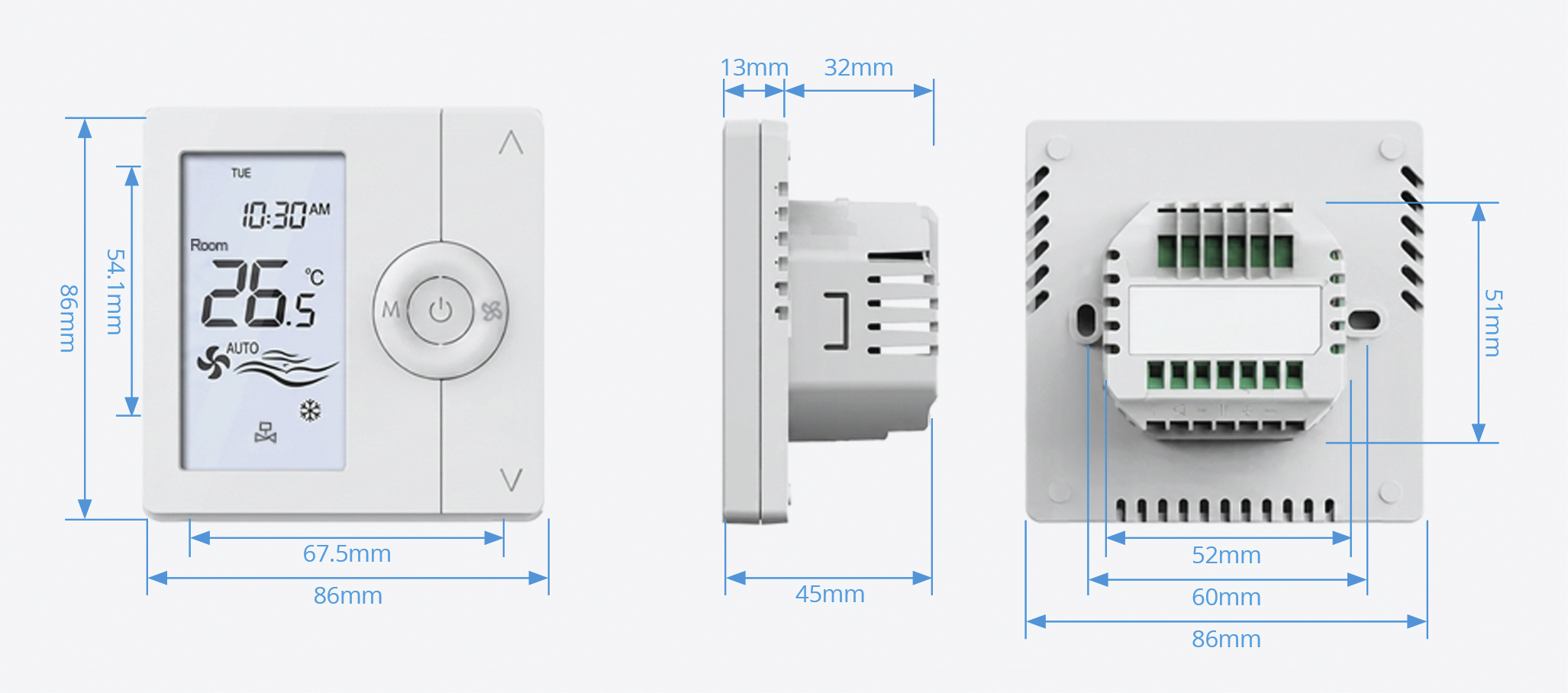
SPC Vision controller dimensions in mm: front, side and rear views
Which SPC products does the Vision controller work with?
The SPC Fan Convector Brochure lists the Vision controller as a control option for all three Belgravia Fan Convector ranges, which use EC motors.

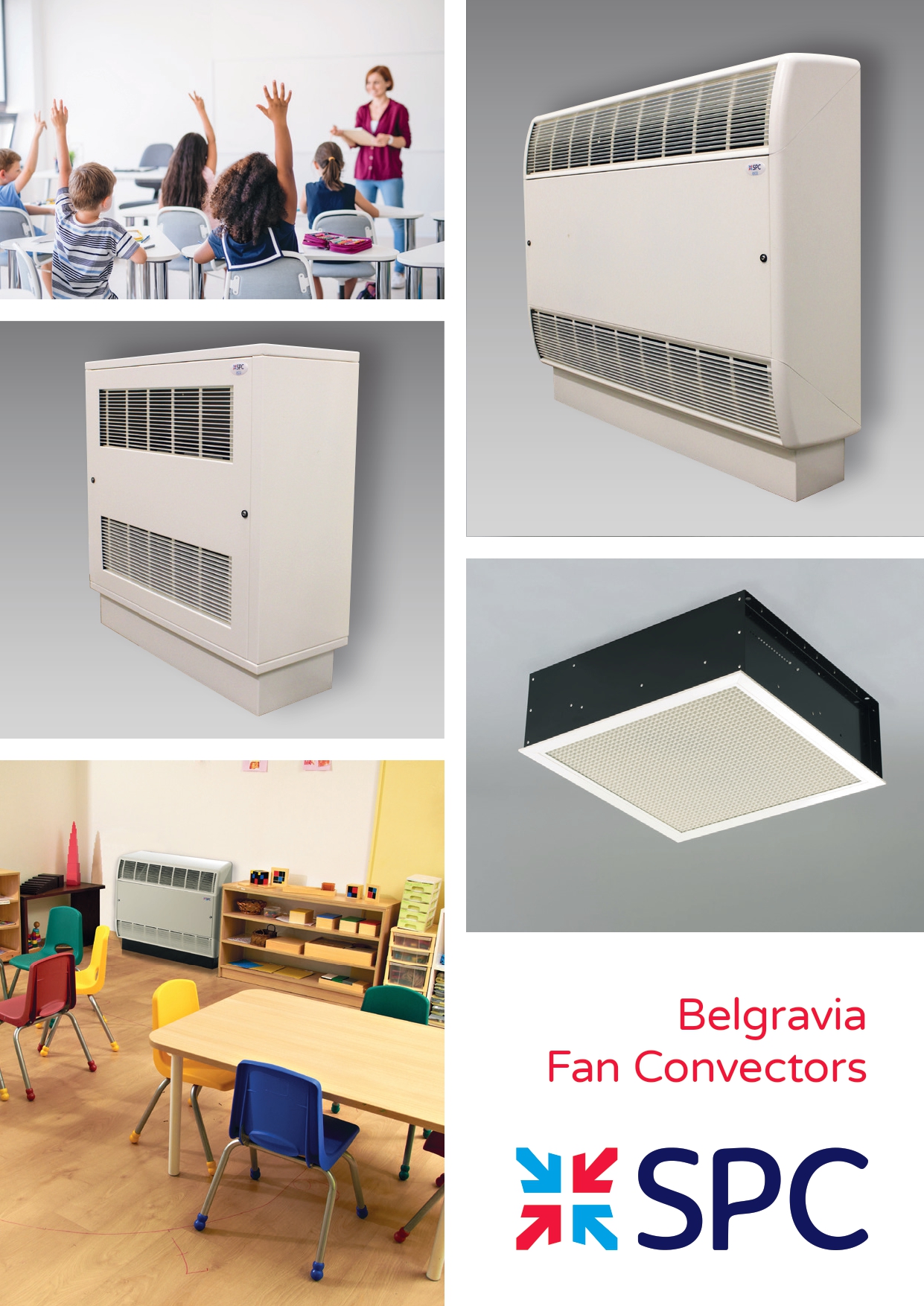
Floor, wall and ceiling mounted fan convectors with a choice of casing styles.
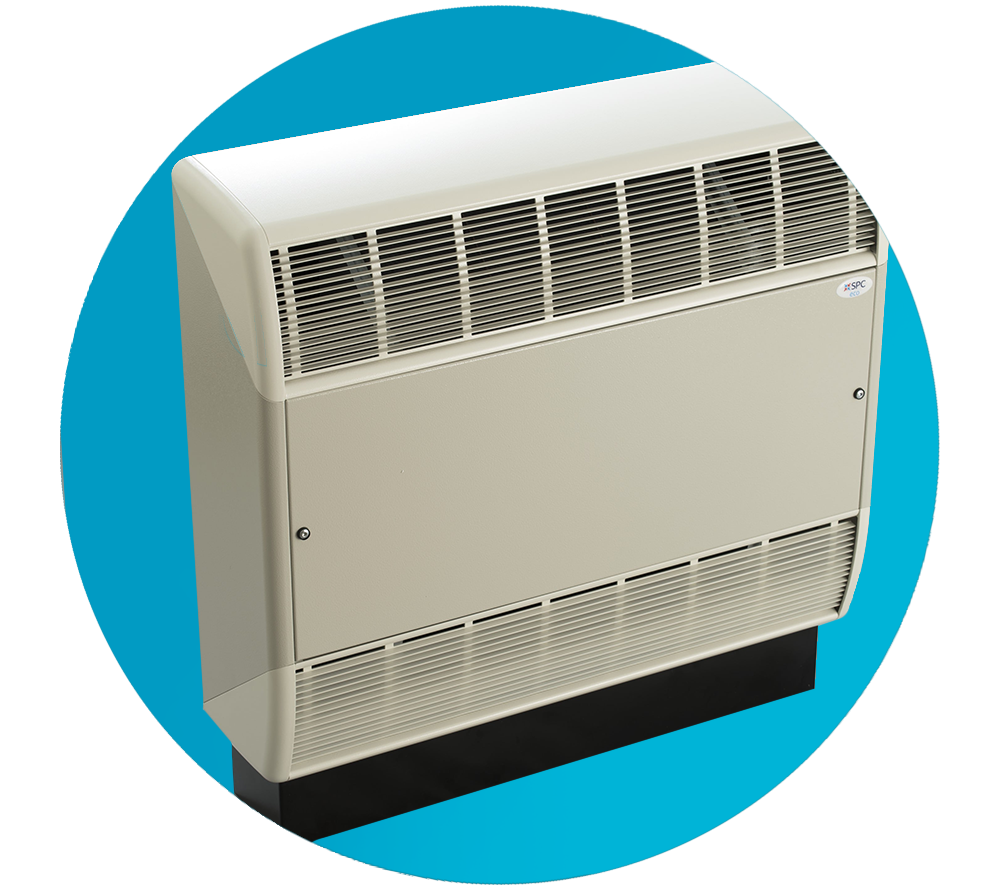
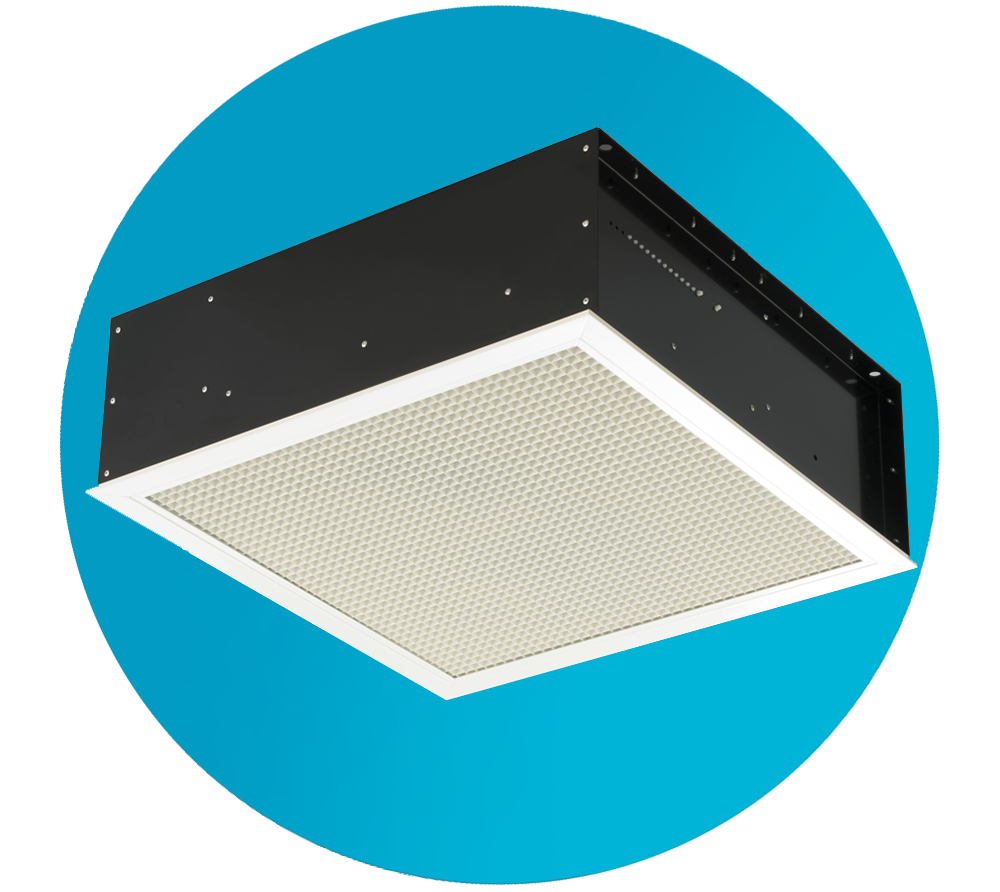
See the whole range on our Belgravia Fan Convectors page.
SPC Vision controller valve control, settings and installation
The SPC Vision controller has terminals for a 230V on/off water valve. The valve closes when the room reaches setpoint, stopping the flow of hot water to the fan convector. The valve actuator must be 230V, and the wiring follows the diagram supplied with the fan convector.
A separate set of volt free contacts is available for remote enable/disable operation.
One Vision controller can control more than one fan convector in the same room. Contact SPC to discuss your layout.
The SPC Vision controller is normally supplied set up to suit the application, so users only need the buttons on the front:
- Up and down: set the room temperature, from 5 to 35°C
- Fan button: low, medium, high or AUTO fan speed
- M (mode): heating or cooling mode
- Power button: switches the fan convector on or off
Two settings are made by SPC and should not be changed without consulting SPC: whether the controller is set for a 2-pipe or 4-pipe system, and the voltages (0 to 100% of the 0 to 10V signal) used for the three fan speeds. The installation instructions (IOM 104) explain how to change them.
The SPC Vision controller is surface mounted on a back box, preferably about 1.5 m above floor level, in a position that represents the room and away from direct sunlight and other sources of heat. It measures 86 x 86 mm and is 45 mm deep overall.
It is hard-wired back to the fan convector, and its 230V supply can be taken from the fan convector it controls. Wiring follows the diagram supplied with the unit, as every application is individual, and must be carried out in line with current legislation by a suitably qualified person, with the fan convector isolated first.
The Vision controller is usually supplied with the fan convectors, and its installation instructions (IOM 104) are read alongside the fan convector’s own IOM.
SPC Vision controller specification summary
| Feature | SPC Vision controller |
|---|---|
| Type | Digital room thermostat with LCD display and push buttons |
| For use with | Belgravia Classic, Belgravia Supreme and Belgravia Tilevector Fan Convectors with EC motors |
| Fan control | 0 to 10V signal to EC motors (factory set); low, medium and high speeds plus AUTO |
| Setpoint range | 5 to 35°C |
| Modes | Heating or cooling |
| Valve control | On/off, for a 230V valve actuator |
| Remote enable/disable | Volt free contacts |
| System setting | 2-pipe or 4-pipe |
| Supply | 230V/50Hz, can be taken from the fan convector |
| Dimensions | 86 x 86 mm, 45 mm deep overall |
| Mounting | Surface mounted on a back box, about 1.5 m above floor level |
| Colour | White |
| Maintenance | Clean the face with a dry cloth only |
| Supplied by | S & P Coil Products Limited (SPC), Leicester, UK |
Ask about the SPC Vision controller
Choosing controls for Belgravia Fan Convectors in a school, office, library or other commercial or public building? Tell us about your project and we will help you choose the right controls. Call 0116 249 0044 or email spc@spc-hvac.co.uk.
Frequently Asked Questions
Both. The SPC Vision controller is a room thermostat: users set the room temperature they want and it measures the room air temperature. It also sets the fan speed of the fan convector, sending a 0 to 10V signal to the EC motors at one of three preset speeds, or choosing the speed itself in AUTO.
In AUTO, the Vision controller sets the fan speed from the difference between the setpoint and the room temperature. At about 2°C below setpoint the fans run at low speed, at about 4°C below they run at medium speed, and when the room is further below setpoint they run at high speed.
Yes. Several fan convectors in the same room can be controlled from a single SPC Vision controller. Contact SPC on 0116 249 0044 to discuss your requirements.
Yes. The SPC Vision controller has terminals for a 230V on/off water valve, which closes when the room reaches setpoint and stops hot water flowing to the fan convector. The valve actuator must be 230V.
Both are room controllers listed for Belgravia Classic, Belgravia Supreme and Belgravia Tilevector Fan Convectors, and both set the speed of the EC motors with a 0 to 10V signal. The SPC Vision controller has an LCD display and push buttons, with low, medium and high fan speeds and an AUTO setting, and runs on a 230V supply. The SPC Modulo controller has a touch fascia and varies the fan speed continuously as the room approaches setpoint, and runs on 24V DC. SPC can help you choose the one that suits your project.
The SPC Vision controller has volt free contacts for remote enable/disable operation. Where a building management system will control the fan convectors directly, Belgravia Fan Convectors can instead be supplied with a relay for a remote enable/disable signal (BMS1) or on/off and speed control from a 0 to 10V BMS signal (BMS2). Contact SPC to discuss the controls for your building.
If the LCD screen is not lit, check that there is power to the controller. If the controller works but does not appear to affect the fan convector, check the wiring against the wiring diagram supplied. Always isolate the fan convector and controller electrically before working on them, and contact SPC for any other faults. Clean the face with a dry cloth only.